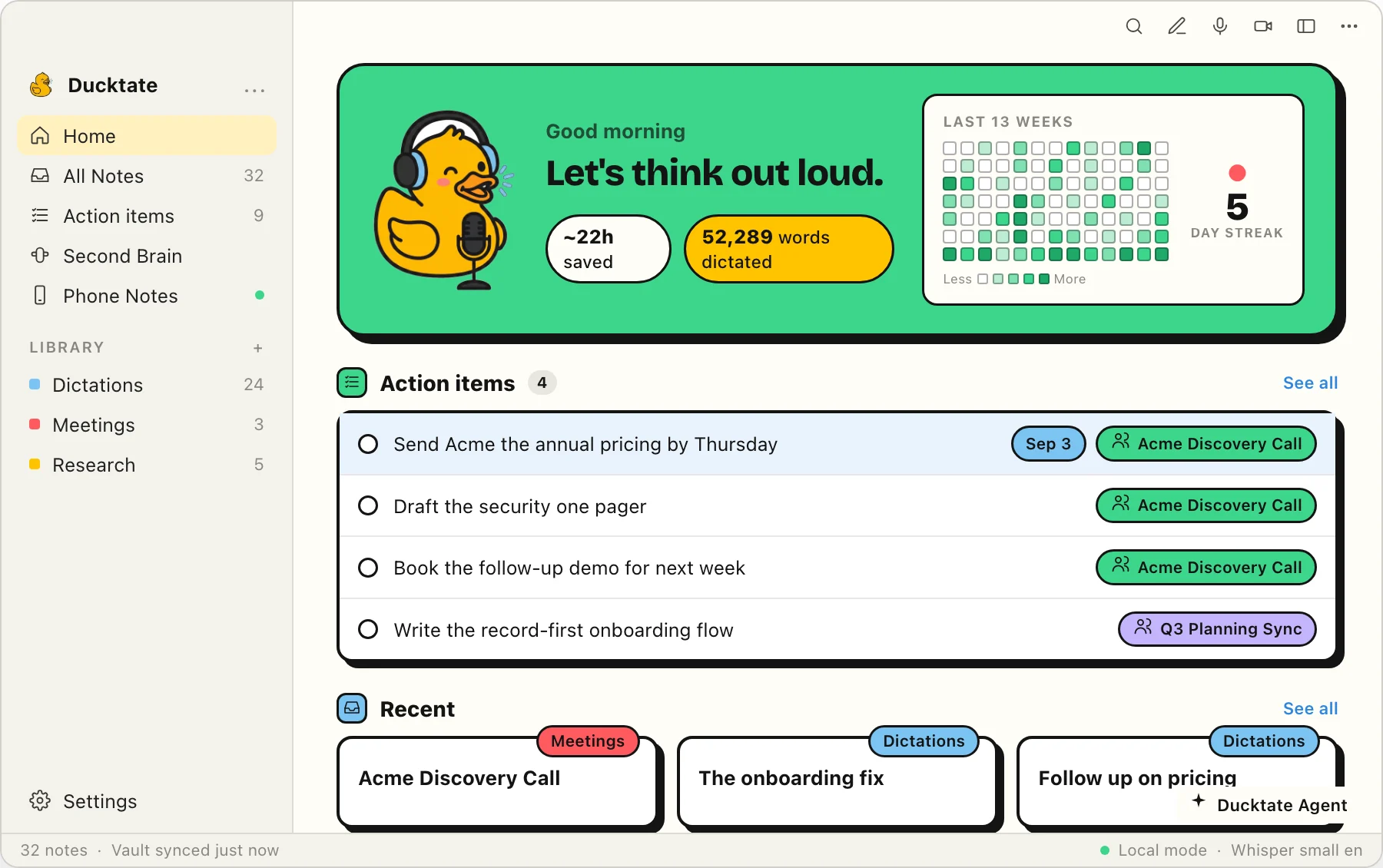
The rubber-duck debugging trick, made real. Talk through your ideas, problems, and meetings, and Rubber Duck transcribes every word on your Mac, then files it as a clean, searchable note. No cloud. No typing.
Transcription apps compete on accuracy. Rubber Duck competes on what happens to your thoughts after you say them.
Stuck? Say it out loud. Hold a key, ramble, release. The duck listens without judgment and hands your thoughts back as clean structure, not a wall of text.
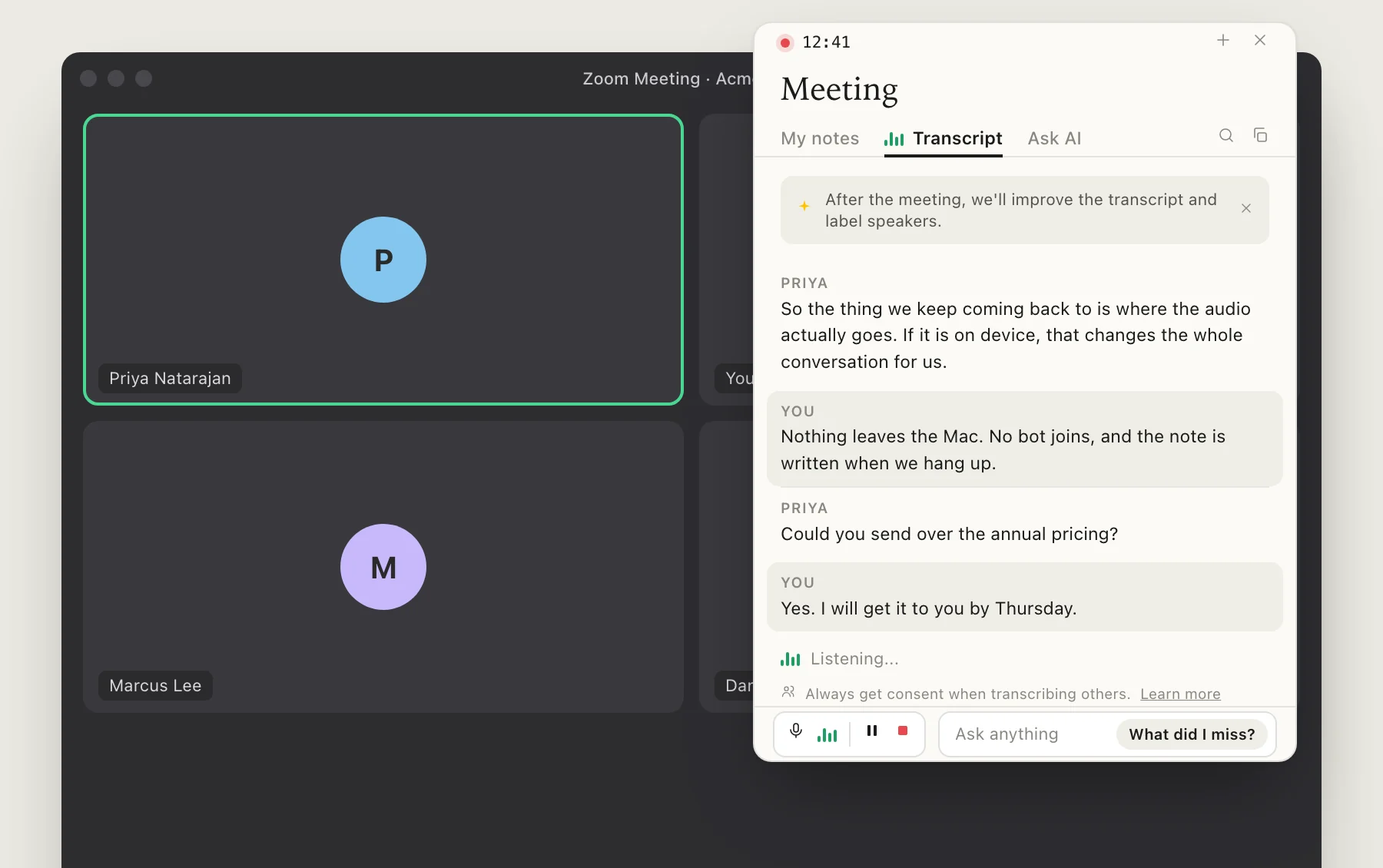
Record meetings and talk freely: transcription runs entirely on your Mac with on-device Whisper, so nothing is ever uploaded. Bring your own Claude or Codex for cleanup, or turn AI off completely.
Every note is cleaned up, titled, tagged, and filed automatically, then indexed for instant search. Find any idea or meeting note in seconds. A second brain that builds itself while you talk.
Press and hold Right ⌥ anywhere on your Mac and start talking. No app to switch to, no record button to hunt for.
Release, and on-device Whisper turns your words into text instantly. Offline, private, and pasted right where your cursor is.
Optionally, your own AI tidies the transcript, gives it a title and tags, and saves it as a Markdown note in your library.
Rubber Duck notes are plain Markdown in a folder you choose. Browse and search them in the app, or open the exact same files in Obsidian. It's your capture-and-organize layer, and it never locks your thinking inside it.
On-device transcription and bring-your-own AI mean near-zero running costs, so the basics are genuinely free, forever.
No. Transcription runs 100% on your Mac using on-device Whisper. Your voice is never uploaded to any server, not ours, not anyone's.
No. The optional cleanup step is bring-your-own. Plug in the Claude Code or Codex subscription you already have, or skip AI entirely. Raw transcripts work with zero AI and zero internet.
Yes. A transcription model ships inside the app, so dictation works on a plane with no connection. Better models download once when you want them.
Absolutely. Notes are just Markdown files in a folder you pick. Use Rubber Duck to capture and organize, and keep Obsidian as your archive, or don't. Nothing is locked in.
An Apple Silicon Mac (M1 or newer) on macOS 14 or later. The on-device models are tuned for the Neural Engine, so it's fast and battery-friendly.
Join the waitlist and be first in line when Rubber Duck hits the App Store.